Afterword

ThimphuTech was the first technology blog in Bhutan. We started writing it in 2009, just as broadband and mobile internet started to take off. (Although internet in Bhutan was launched in 1999, it was either super-slow or super-expensive, and was only used by a selected few).

In the blog, we wrote about technology and food, but also about plenty of other stuff. The blog became popular and influential in Bhutan. A companion bi-weekly column -- Ask Boaz -- was published for many years in the Kuensel, Bhutan's national newspaper. (The complete Kuensel columns are available as an ebook, Blogging with Dragons).

We stopped updating the blog when we left Bhutan in 2014, but the information within the posts can still prove useful, and thus we decided to keep it online.

We thank all our readers.
Tashi Delek,
Boaz & Galit.

Monday, August 23, 2010

Viruses attacking our phones


If you thought that your computer was the only battleground for combating malware (viruses, worms, and the like), think again. If you have a mobile phone that has bluetooth technology, you might be prey to malware as well!
I often keep my mobile phone's bluetooth turned on for transferring photos from my phone to my computer. Today, while I was in town, I noticed that an unknown phone was trying to connect with mine through bluetooth by sending me files of type .sis with names such as irsli3wp2js.sis. Luckily, I knew not to open the files. Once you click on the file and allow it to be installed, such viruses can infect your phone and then start looking for new devices in the vicinity to infect.

A host of worms and trojans are out there that infect mobile phones and also transfer themselves through the bluetooth connection. You can read more about mobile viruses on Wikipedia.

How to protect yourself? To avoid the malware that uses bluetooth technology, you can turn off your bluetooth when it is not in use or set your phone to "hidden" or "undiscoverable" while you're not using it. When mobile phones are used for carrying out sensitive actions such as financial transactions, then it is clearly worthwhile investing in security measures such as mobile phone security software.

Thursday, August 19, 2010

The hidden benefits of debit cards


I really like the convenience of using my Bhutan National Bank (BNB) ATM card for paying at participating shops. No need to carry around cash, no need to deal with checks. I recently learned of two additional reasons for using the card to pay at these shops. The first is straightforward. The second is slightly more tricky.

  • There's a monthly "Swipe and Win" draw with nice prizes (see the amounts in the shown ad). They'll even call you if you win.
  • Using your card in this way is the only way to withdraw money from your account without affecting your eligibility for interest. In particular, BNB announced that as of April 1, 2010


    BNB customers are eligible to receive an interest rate of 4.5% (effective) on saving accounts with a minimum balance of Nu.1,000.00 with no upper limit
    Sounds like a good deal. However, as we have been told at the main branch, to receive the interest you must have 4 or less withdrawals from your account per month. "Withdrawal" includes using the ATM machine, writing a check, or withdrawing directly from the cashier. Surprisingly, using your BNB ATM card at shops does not count as a withdrawal for this purpose!

Sangay Shamu

Tuesday, August 17, 2010

Online ad for Acer laptop

While reading the Kuensel online today, I noticed that one of the flashing ads was for a laptop. I clicked on the online ad and found a photo and specs, but not the price.

After calling the company, Dot Com Enterprise, I discovered that the laptop for sale is a slightly different model from the one in the ad: An Acer Aspire 4740. The specs are very similar to those in the ad, except for the CPU which is Intel Core i3-330M 2.13GHz, 3MB L3 Cache, 1066MHz FSB, 35W (see here). The price is Nu. 33,000.

Doing research online before purchasing a computer is still not easy in Thimphu. Very few shops have websites with current information (one exception is Leki Dorji Enterprise). Yet, since most computer shops have a single model in stock (usually one desktop and one laptop), learning about what is available requires visiting each place or at least calling. The ad on kuenselonline.com is therefore a great new online resource.

Got information on new computers available in town? Please email us and we will cover it here.

Monday, August 16, 2010

Arunachal Pradesh to Thimphu: The Google Maps version

Google Maps, the free mapping service, is constantly improving its support for Bhutan. Search for Thimphu (see here), and you'll see that many of the lams are already there. You can use Google Maps to get driving directions, but within Thimphu city they are likely to be misleading. For example, I tried getting directions from the Post Office to the Memorial Chorten. Google sends you in the wrong direction at Norzin Lam, since the Thimphu street data does not (yet) contain information about one-way streets.

You can also get directions for long distance trips, both within Bhutan and across the border. Note that the directions don't take into account road conditions, visa requirements, etc and are likely not to be optimal, so take them with lots of salt (or better yet, ema). Still, they might be useful for various purposes, such as finding out distances between places. For example, check out the route from Arunachal Pradesh to Thimphu. Google Maps can even show you how to get your Maruti Alto from Thimphu to London...

Sunday, August 15, 2010

Are viruses clogging Bhutan's information highways?

It seems that the number of "healthy" computers in Bhutan can be counted on a single hand. Many computers that I'm running into show clear symptoms of a sick machine, some of them so terminally ill that the only cure is the IT equivalent of a brain transplant, i.e., re-formating the hard disk. Most computer viruses spread when you insert an infected USB drive (also known as pen drive) into your computer. Once infected, your computer starts to slow down or otherwise behave strangely. If you have good and up-to-date anti-virus software installed, this can sometimes protect your computer.

In addition to slowing down your computer and otherwise being a major nuisance, malware (MALicious softWARE, such as viruses, torjan horses, and more) can also use your Internet connection. For example, Trojan horses can steal your files and passwords and send them over the Internet back to the hackers. Rootkits - another type of malware - often use your computer to attack other computers. All this takes place while you're online, and most likely you won't even notice it - although you might be annoyed by the apparently long time it takes for your Facebook wall to load.

Given Bhutan Telecom's consumer broadband prices - about Nu 160 per 1GB - a virus that uses a mere 0.5kB/second will cost you about Nu. 200 a month, assuming the infected computer is connected to the Internet 24 hours a day. If you have several infected computers sharing your Internet connection, your bill will be even higher. My advice: Obviously, always try to keep your computer clean. However, If you suspect a computer infection, turn off the broadband modem or computer(s) when not in use.

And on a national level: Given the increasing number of Internet-connected computers, the poor "health" of so many of them, and the finite international bandwidth, what price - in productivity and otherwise - are we paying for all those bandwidth-gulping computer viruses?

Thursday, August 12, 2010

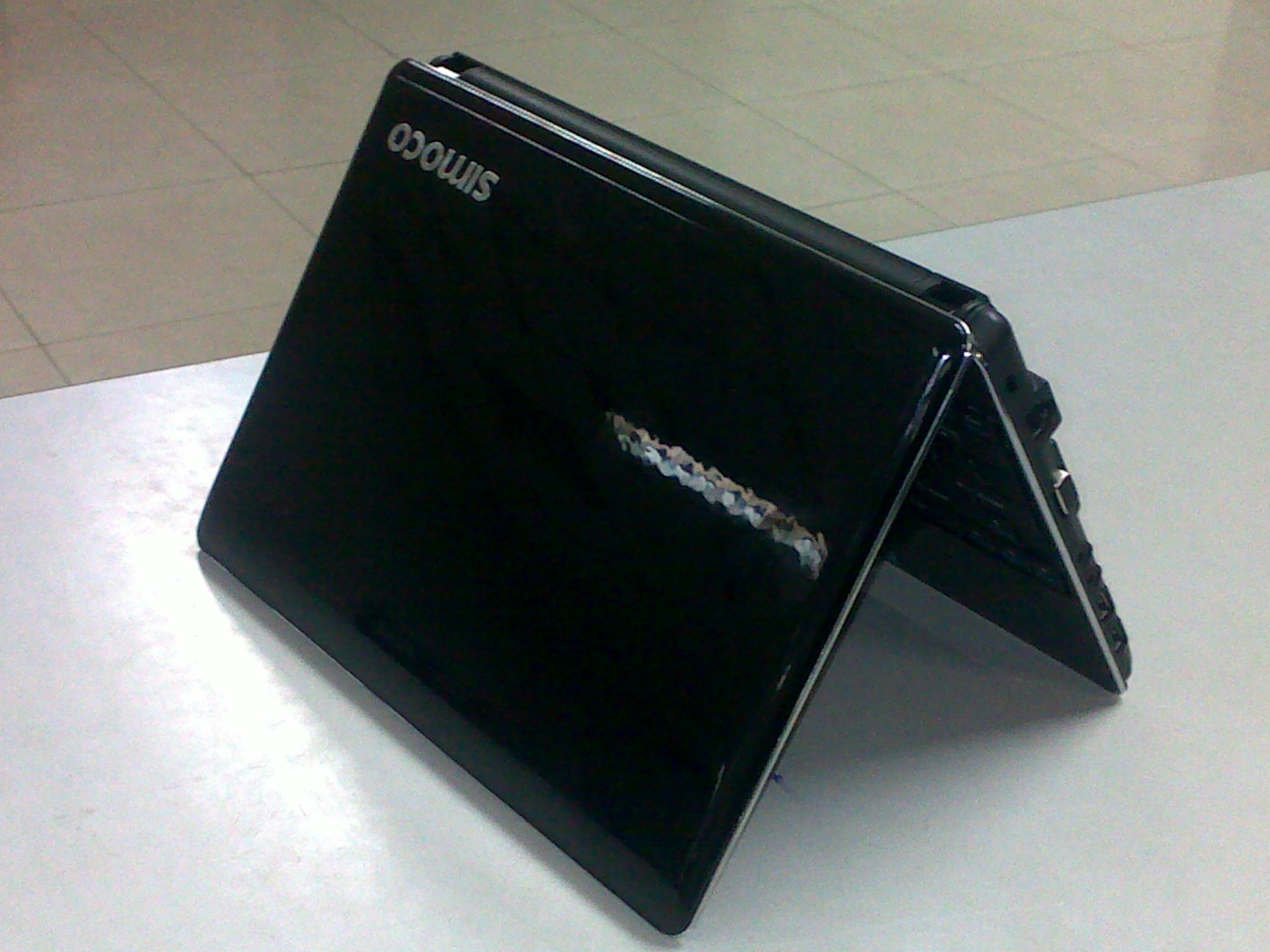
Netbooks for Nu. 14,999

For those in search of a reasonably priced netbook (a small laptop), we discovered two places in town selling the Simbook Buddy (N450) by the Indian company Simoco. The netbook comes equipped with 1.6 Ghz CPU, 10.1'' screen, 160 GB hard-drive, 1GB memory, 3 USB ports, Wifi and more. You can find the full specifications here. The netbooks are brand new, not refurbished or used.

The two shops selling the Simoco Buddy are Lepcha (Zangto Pelri complex) and a mobile shop on Norzin Lam a few blocks down from the milk booth (contact phone 77236646).

Currently this seems to be the cheapest netbook available in town. Lepcha also sell a Nu. 17,000 Samsung netbook, which I have not tested.

Disclaimer: I have not purchased or used the computer beyond a simple test at one of the shops.